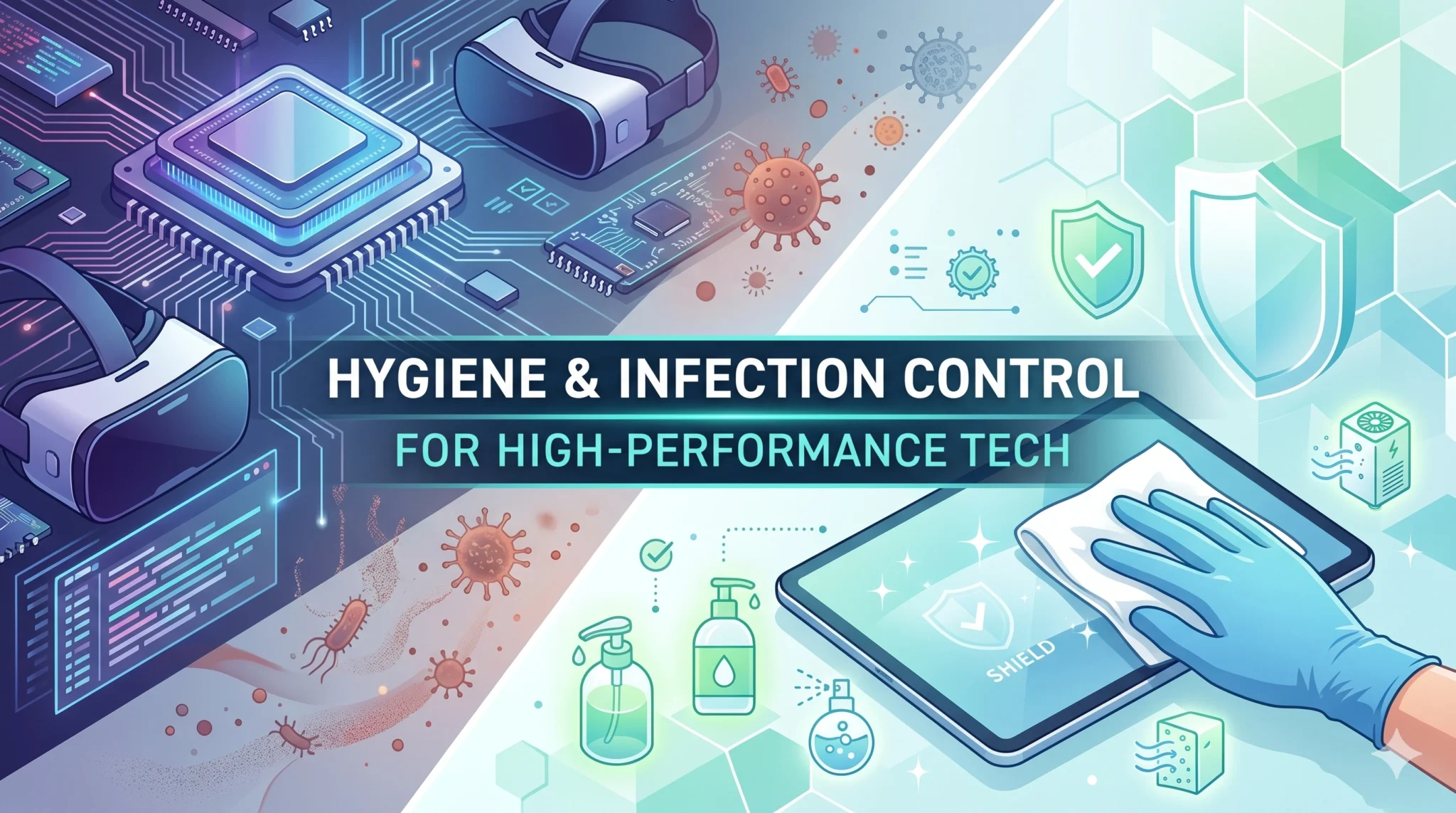

As a digital content publisher and game developer, your primary tools are electronic. However, these devices are “biological magnets.” Computers, smartphones, and tablets generate heat and static electricity, which actively attract dust, skin cells, and microscopic debris. In a high-performance studio or coaching center, “Digital Hygiene” is a technical necessity to prevent hardware degradation and cross-contamination.
To maintain a sterile and high-functioning digital environment, follow these ten pillars of tech-focused infection control.
1. The Smartphone “Sanitization Anchor”Your smartphone is the most handled object in your digital biome and acts as a “third hand” that bridges your public and private spaces.
- The Protocol: Sanitize your phone every time you transition from an outdoor or public environment to your home or studio.
- The Method: Use a 70% isopropyl alcohol wipe or a microfiber cloth lightly dampened with a specialized electronic cleaner. Ensure you wipe all surfaces, including the protective case, which often harbors more bacteria than the screen itself.
2. Peripheral Sterilization (Keyboards & Mice)
Keyboards and mice are the primary contact points in any workspace and can harbor significantly more bacteria than a standard toilet seat.
- The Routine: Wipe down your mouse and keyboard at the start and end of every deep-focus session.
- The Deep Clean: Once a week, use compressed air to clear “bio-debris” (skin cells and dust) from between the keys, followed by a disinfectant wipe.
3. Thermal Management and Dust Sequestration
Computers act as high-velocity air filters, pulling environmental dust and dander into their internal cooling systems.
- The Tech Audit: Clean the intake filters of your development workstations and servers monthly.
- The Logic: Dust buildup doesn’t just cause thermal throttling and hardware wear; it serves as a reservoir for allergens that the cooling fans exhaust back into your breathing zone.
4. The “No-Phone” Kitchen Rule
To maintain the integrity of your “Culinary Sanctuary,” keep digital devices away from food preparation areas.
- The Risk: Phones that have been used in transit or public spaces can transfer environmental pathogens directly to your kitchen counters.
- The Boundary: If you must reference a recipe, use a dedicated, sanitized tablet on a raised stand, and clean it thoroughly after the session.
5. Managing Shared Hardware in Coaching Centers
In environments like a computer coaching center, shared hardware increases the risk of “cluster infections”.
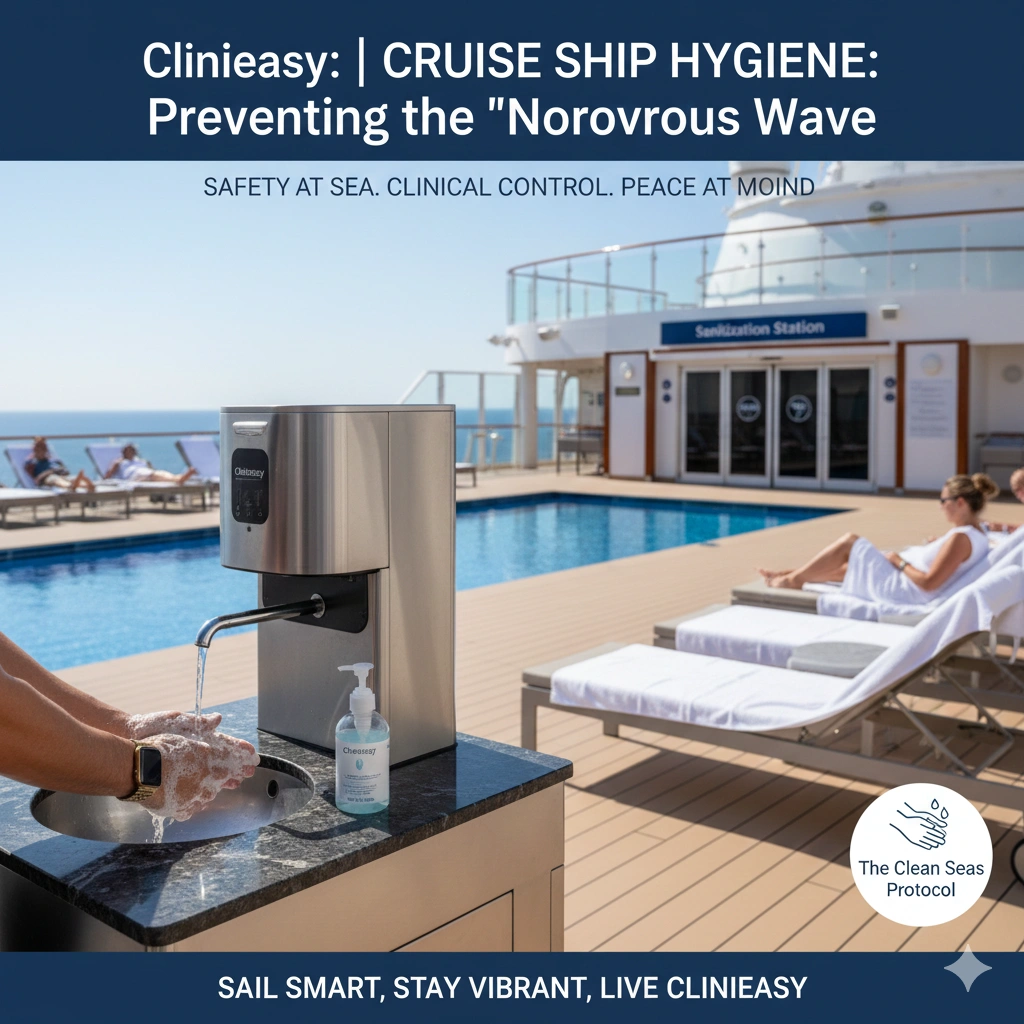
- The Protocol: Provide touchless hand sanitizer at the entrance of the computer lab.
- The Rule: Require students and staff to sanitize their hands before touching shared keyboards or touchscreens to minimize the microbial load on the equipment.
6. Screen Hygiene and Aerosol Accumulatio
Monitors and TV screens accumulate a “bio-film” of dust and dried respiratory aerosols over time.
- The Maintenance: Use a dry microfiber cloth to remove dust daily.
- The Disinfection: Weekly, use a screen-safe solution to neutralize any accumulated aerosols, ensuring a clear visual field and a cleaner workspace.
7. Headset and Audio Gear Sanitation
Headsets used for development calls or gaming sit in direct contact with your skin and ears for hours, trapping moisture and oils.
- The Care: Wipe down ear cushions and microphones daily with an alcohol-free antimicrobial wipe.
- The Replacement: Replace porous foam ear pads every six months to prevent fungal or bacterial buildup.
8. Cables and “Dust Bunnies”
The area behind your desk—where cables often tangle—is a prime location for “dust bunnies” to accumulate undisturbed.
- The Organization: Use cable management tools to keep wires off the floor.
- The Cleaning: Vacuum this “dead zone” weekly with a HEPA-rated machine to prevent dust from being recirculated by the computer’s exhaust fans.
9. Digital “Transition” for Home Offices
If you work from home, your work tech must not contaminate your “Sleep Sanctuary.”
- The Rule: Never bring work laptops or tablets into the bed.
- The Reason: These devices carry the “microbial load” of your office and public transit, which should remain separated from your recovery zone.
10. The UV-C Sanitization Box
For small items like smartwatches, earbuds, and styluses, consider a specialized UV-C sanitization chamber.
- The Science: UV-C light deactivates the DNA/RNA of surface pathogens without the need for moisture or chemicals, making it ideal for sensitive electronics.
- The Habit: Place your daily-carry tech in the box for a 5-minute cycle as part of your “Entryway Reset” ritual.
Conclusion: Protecting the Tools of the Trade
Your digital tools are an extension of your professional self. By applying clinical hygiene standards to your tech, you protect your hardware from environmental wear and ensure your workspace remains a sterile, high-performance sanctuary.