
In the world of professional game development, your hardware is the bridge between your code and your players. For the founder of a studio like Druvion, managing a fleet of testing devices—from the iPhone 16 Plus used for UI/UX audits to the Action Cameras used for motion references—is a matter of both technical and biological maintenance.
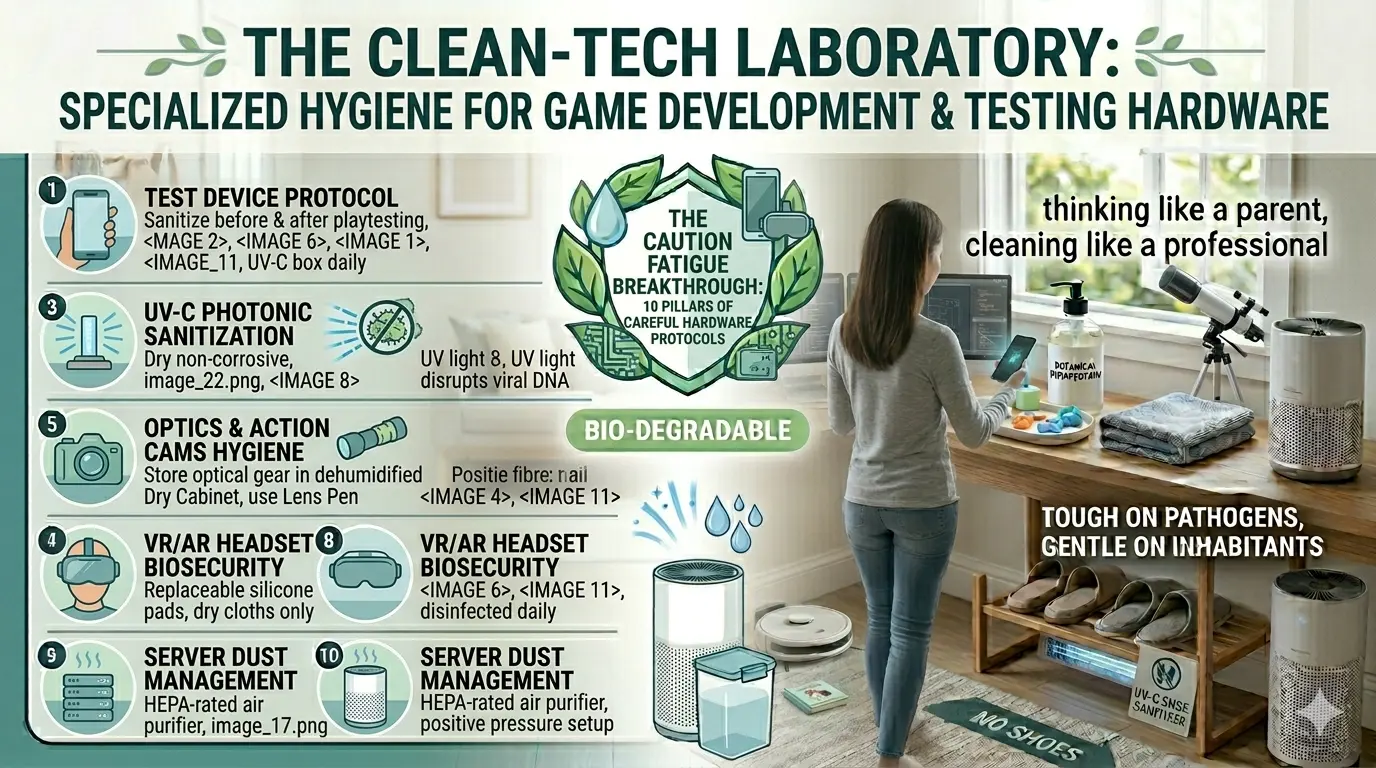
Hardware is inherently difficult to clean: it is heat-sensitive, prone to moisture damage, and full of microscopic crevices that harbor skin oils (sebum) and bacteria. Here are the 10 specialized pillars of Hardware & Lab Hygiene.
1. The “Clean-In, Clean-Out” Testing Protocol
Cross-contamination often occurs during intensive playtesting sessions.
- The SOP: Every device must be sanitized before being handed to a tester and immediately upon its return. This ensures that the “microbial profile” of one user doesn’t migrate to the next via the device chassis.
- The Benefit: Beyond health, this prevents the buildup of sticky residues that can interfere with touch-screen sensitivity and physical button response times.
2. UV-C Photonic Sanitization
Liquid disinfectants are a risk for high-end electronics. UV-C light (specifically at the $254nm$ wavelength) offers a dry, non-corrosive alternative.
- The Tech: Utilize a specialized UV-C sanitization chamber for smartphones, tablets, and handheld controllers.
- The Science: UV-C light penetrates the cell walls of bacteria and the protein coats of viruses, disrupting their DNA/RNA and rendering them inert without the risk of liquid ingress into the device.
3. Screen-Safe Antimicrobial Chemistry
The oleophobic coating on your iPhone 16 Plus can be stripped by harsh chemicals like bleach or ammonia.
- The Solution: Use only 70% isopropyl alcohol or specialized screen-safe wipes.
- The Technique: Never spray directly onto the device. Spray onto a high-density microfiber cloth first, then wipe. This prevents “capillary action” from drawing liquid into the edges of the screen or charging ports.
4. Peripherals: The Keyboard “Deep-Scrub”
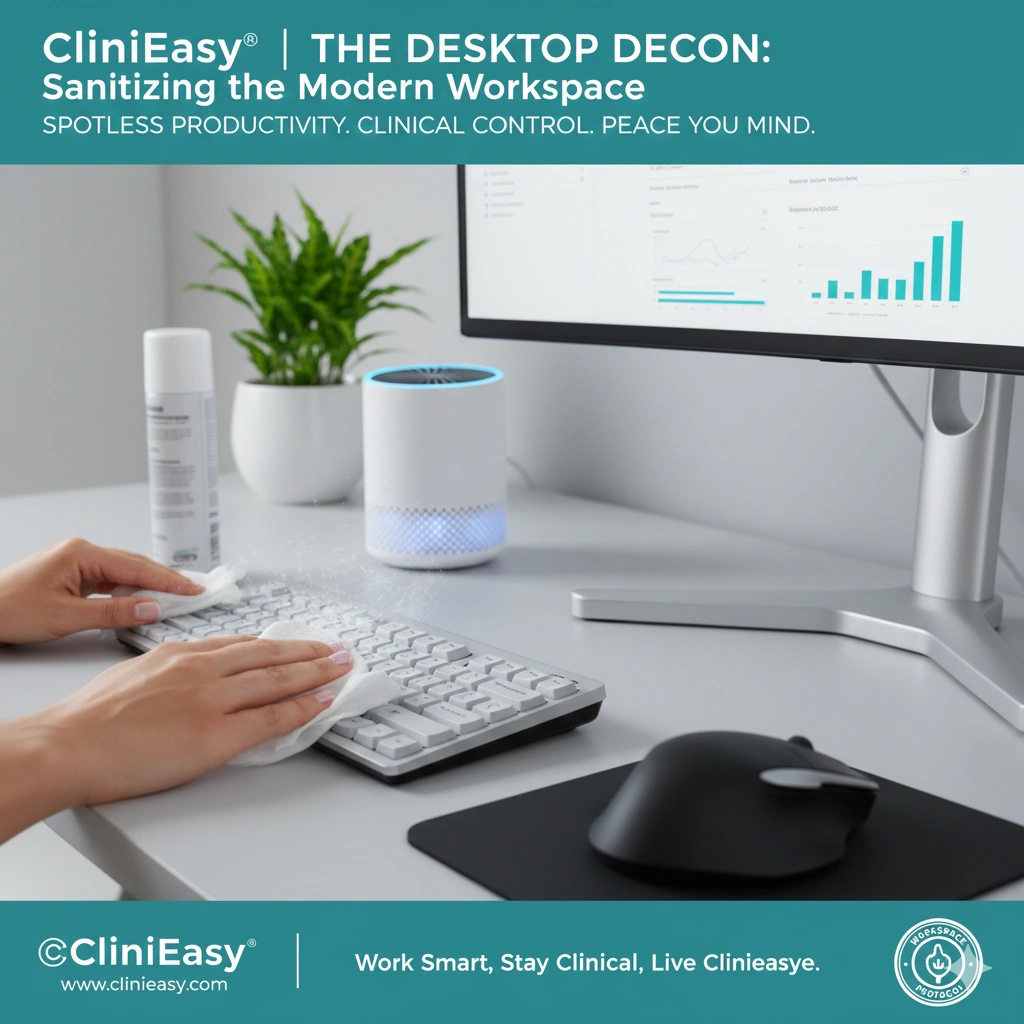
The mechanical keyboard is the primary input for C# coding and SEO writing. It is also one of the dirtiest objects in the office.
- The Routine: Perform a weekly “Keycap Reset.” Use compressed air to dislodge organic debris (skin flakes, dust) from the switches.
- The Barrier: In high-traffic coaching centers, consider using ultra-thin, medical-grade silicone keyboard covers that can be swapped and disinfected between student sessions.
5. Optics Hygiene (Astronomy & Action Cams)
Your telescopes and action cameras require a “Cleanroom” approach. Fungal spores can actually “eat” the anti-reflective coatings on precision lenses in humid environments.
- The “Dry-Box” Standard: Store all optical gear in a dehumidified “Dry Cabinet” maintained at 35–45% humidity.
- Lens Care: Use a “Lens Pen” or ionized air blower to remove dust before using a liquid cleaner, preventing micro-scratches from grit.
6. VR/AR Headset Biosecurity
Virtual reality gear is strapped directly to the face, trapping heat and perspiration.
- The Face-Gasket Rule: Use replaceable silicone face pads rather than the standard foam, which acts like a sponge for sweat and bacteria.
- The Lens Standard: VR lenses are often plastic, not glass. Only use specialized dry cloths; alcohol can permanently cloud the lenses.
7. Port and Connector Integrity
Dust and skin oils in USB-C or Lightning ports can lead to charging failures or data transfer errors.
- The Tool: Use a non-conductive, anti-static brush or a wooden toothpick to gently clear ports.
- The SOP: Avoid blowing into ports with your mouth, as human breath is highly humid and introduces oral bacteria that can accelerate connector corrosion.
8. The “Server Room” Dust Management
Server towers and high-end dev PCs act as giant “Bio-Magnets,” pulling air—and the pathogens in it—through their cooling fans.
- The Positive Pressure Setup: Ensure your office air purifier is rated for the room’s size. By keeping the air “Clean-In,” you reduce the amount of biological material being baked onto your internal components (motherboards and GPUs).
9. Managing the “Mobile Workspace” (Bag/Case Hygiene)
The bags you use to transport your tech between your home and the computer coaching center are often overlooked.
- The Decon: Wipe the interior and handles of your laptop bag weekly. Bags spend a lot of time on floors and in transit, picking up “hitchhiking” microbes from the outside world.
10. The Psychological ROI of Clean Gear
As a developer, your tools are an extension of your mind.
- The Philosophy: A clean, sanitized workstation reduces “Environmental Friction.” When your hardware is pristine, your mental state shifts from “Maintenance Mode” to “Creative Mode,” allowing for the deep focus required to manage Druvion Studio’s growing portfolio.
Conclusion: The Precision Fortress
By applying these hardware-specific protocols, you protect both your health and your capital investments. Your office is no longer just a room; it is a high-performance, bio-secure laboratory designed for the long-term success of an entrepreneur.
The code is clean. The hardware is sterile. The studio is ready.