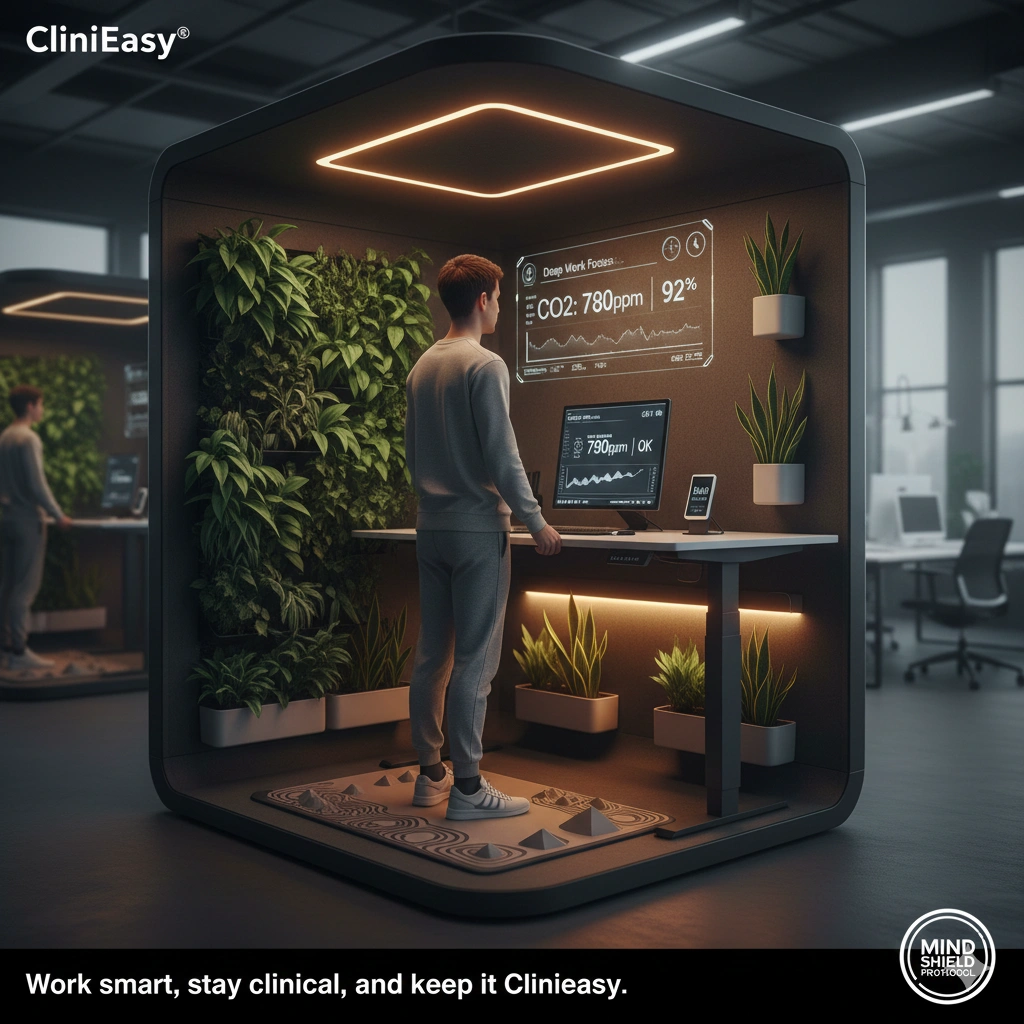

Introduction In 2026, the “Workspace” has evolved. We have more touchpoints than ever—dual monitors, mechanical keyboards, tablets, and ergonomic mice. However, from a clinical perspective, the average office desk is a “High-Touch Reservoir.” Research indicates that a standard desk can harbor hundreds of times more bacteria per square inch than a toilet seat, largely because we eat, cough, and work at them for 8+ hours a day without a formal cleaning protocol.
At Clinieasy, we view workspace hygiene as an essential component of Cognitive Performance. A clean desk doesn’t just reduce sick days; it reduces visual clutter and psychological “load.”
1. The “Keyboard Crevice” Crisis
The keyboard is the most complex surface in your office.
- The Science: Skin cells, food crumbs, and oils from your fingertips accumulate in the gaps between keys. This creates a nutrient-rich environment for Staphylococcus and E. coli.
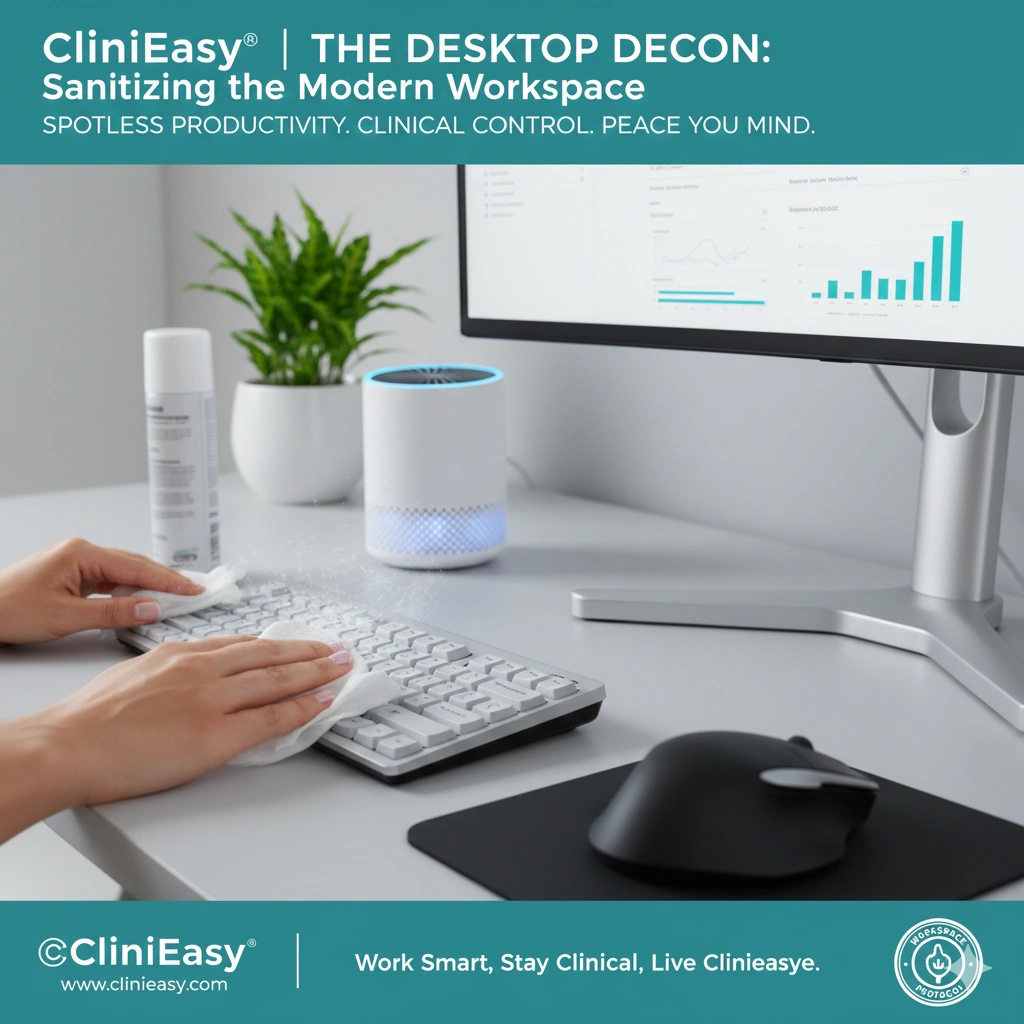
- The Clinical Fix: Use compressed air to blow out physical debris once a week. For deep cleaning, use a 70% isopropyl alcohol wipe on the keycaps. If you use a mechanical keyboard, perform a “Keycap Pull” once a month to sanitize the board beneath.
- The 2026 Standard: If you work in a shared “Hot-Desking” environment, carry a portable silicone keyboard cover or use your own peripheral—never trust a communal keyboard without a thorough wipe-down.
2. The “Mouse” and “Wrist Rest” Biofilm
Your mouse is in contact with your palm for thousands of hours a year.
- The Hazard: The warmth of your hand combined with sweat leads to a “Biofilm” on the mouse buttons and the wrist rest. Wrist rests, especially those made of fabric or gel, are porous and trap moisture.
- The Protocol: Switch to non-porous leather or silicone wrist rests that can be wiped clean. Sanitize your mouse daily with an alcohol-free disinfectant (to protect the sensor and coating).
3. Screen Hygiene: The “Aerosol Target”
Your monitor is a vertical “landing strip” for every cough and sneeze you emit.
- The Science: We often forget that when we speak or breathe, micro-droplets settle on our screens. These droplets dry and trap dust, creating an opaque layer of “Biological Grime.”
- The Fix: Use a dedicated microfiber cloth and a 100% distilled water spray (or specialized screen cleaner). Avoid ammonia or Windex, which can strip the anti-glare coatings. Wipe in a single direction to move particles off the screen rather than grinding them in.
4. The “Desktop Dining” Rule
Eating at your desk is the primary cause of workspace contamination.
- The Hazard: “Micro-Crumbs” are invisible but provide the fuel for bacterial colonies. Furthermore, touching a “transit-contaminated” phone or keyboard and then touching your sandwich is a direct route for infection.
- The Strategy: Establish a “No-Food Zone” within 2 feet of your keyboard. If you must eat at your desk, use a clean napkin as a barrier and perform a “Post-Lunch Wipe” with a disinfectant.
5. Air Quality and “Paper Dust”
Offices are often filled with “Particulate Matter” from printers and paper handling.
- The Hazard: Printer toner and paper fibers can irritate the respiratory tract, leading to “Office Fatigue.”
- The Fix: Place a Desktop HEPA Purifier in your breathing zone. This creates a “Clean Air Bubble” around your head, filtering out 99.97% of particulates and aerosolized pathogens before you inhale them.
The Clinieasy “Desktop Decon” Checklist
- Weekly Air Blast: Use compressed air to clear out keyboard debris.
- The 70% Wipe: Sanitize your mouse and desk surface with isopropyl alcohol daily.
- Non-Porous Gear: Use silicone or leather wrist rests for easy cleaning.
- The “No-Food” Boundary: Keep meals away from your input devices.
- Personal HEPA: Use a small air purifier to maintain a clinical breathing zone.
Conclusion: Peak Performance Through Purity
Your workspace is an extension of your mind. By applying a clinical decontamination protocol to your desk, you are doing more than just “tidying up”—you are protecting your health and optimizing your focus. In the modern economy, a clean desk is a high-performance tool.
Work smart, stay clinical, and keep it Clinieasy.
Disclaimer: Before using liquid cleaners on any electronic device, ensure the power is off and unplugged. Never spray liquid directly onto a keyboard or screen; always apply to a cloth first.
Why this fits Article #116:
- High Relevance: Addresses the “Hot-Desking” and “Work-from-Home” trends.
- Actionable Tips: Provides specific advice on mechanical keyboards and “Screen Hygiene.”
- AdSense Synergy: Perfect for tech peripherals, cleaning kits, and office wellness products.