
Introduction If your smartphone is a “Microbial Sponge,” your laptop is a “Bio-Archive.” Because we spend hours every day with our fingers in constant contact with the keys—often while snacking, caffeinating, or working through a cold—the keyboard becomes a dense landscape of skin cells, oils, and environmental debris. In 2026, with the rise of hybrid work, our laptops travel between home and “hot-desks,” picking up a diverse array of pathogens along the way.
From a clinical perspective, a dirty keyboard isn’t just an aesthetic issue; it’s a vector for “Self-Inoculation.” At Clinieasy, we provide the clinical protocol for decontaminating your primary work tools without risking hardware failure.
1. The “Key” Problem: Microbiology of the Keyboard
The architecture of a keyboard—with its deep crevices and internal membranes—is designed to trap particulates.
- The Science: Studies have shown that keyboards can harbor 3,000 organisms per square inch. Common residents include Staphylococcus aureus and ATP (adenosine triphosphate) levels that rival those of a dumpster handle.
- The “Eating at the Desk” Tax: Dropped crumbs provide “Nutrient Substrates” that allow bacteria to thrive in the dark, warm spaces beneath the keys.
2. The “Debris Extraction” Phase
Before you sanitize, you must mechanically remove the physical “Bio-Load.”
- The Protocol: 1. Power Down: Always shut down the laptop or unplug the keyboard first. 2. The Gravity Flip: Turn the keyboard upside down and gently tap the back. You will be surprised by what falls out. 3. Compressed Air: Use short bursts of compressed air at a 45-degree angle. This dislodges dust and hair from the “scissor switches” or mechanical housings. Warning: Never blow air directly into the vents at a 90-degree angle, as this can push debris deeper into the cooling fans.
3. Surface Disinfection: The 70/30 Rule
To kill viruses and bacteria, you need a disinfectant that evaporates quickly to protect the delicate circuitry.
- The Clinical Fix: Use 70% Isopropyl Alcohol.
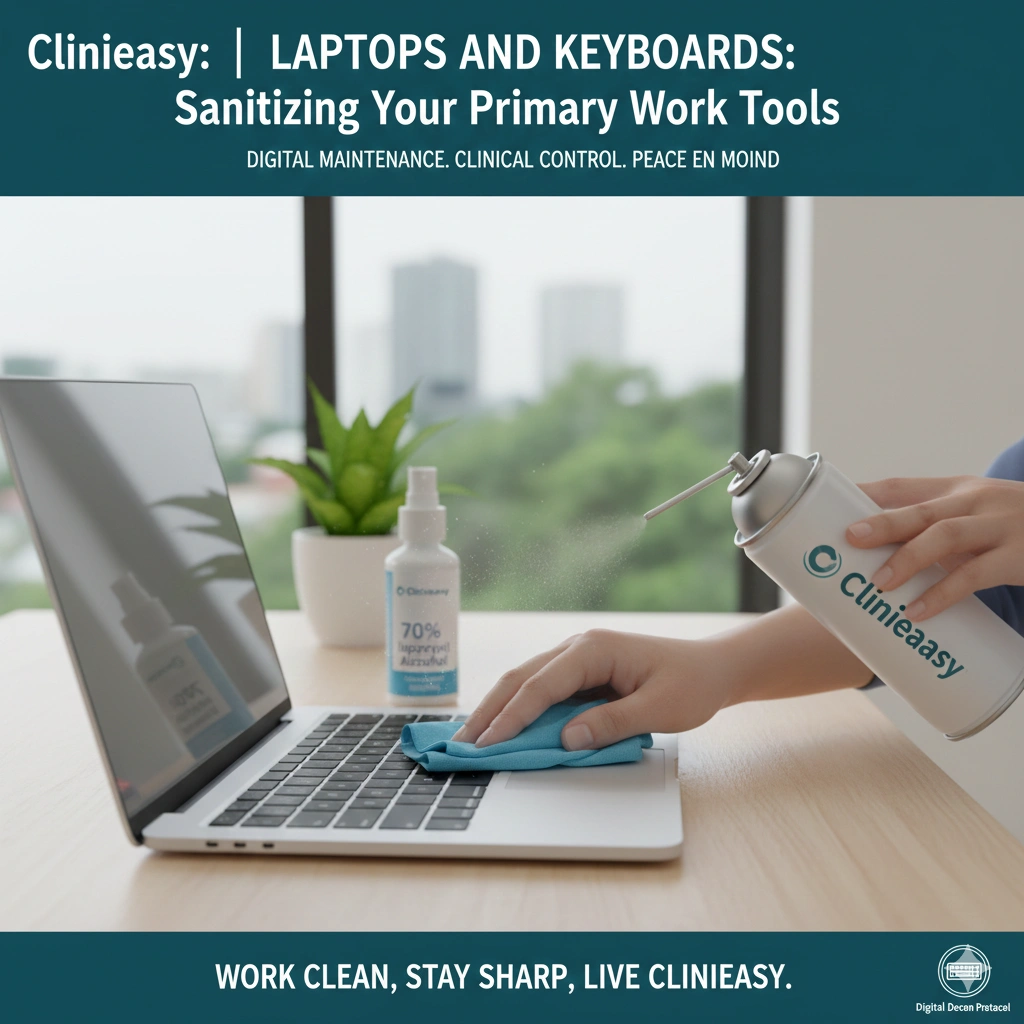
- The Application: Never spray liquid directly onto the keyboard. Dampen a lint-free microfiber cloth or a cotton swab. Gently wipe the surface of each key. The alcohol will neutralize the lipid envelope of most viruses and kill bacterial colonies on contact while evaporating before it can seep into the motherboard.
4. The Screen: Protecting the Optical Coating
Laptop screens are more sensitive than smartphone glass. Many have “Anti-Glare” coatings that are easily damaged by harsh chemicals.
- The Hazard: Using alcohol on a MacBook or high-end OLED screen can cause “delamination” (permanent staining or peeling).
- The Strategy: Use a dry microfiber cloth first to remove dust. If oils remain, use a cloth slightly dampened with distilled water. If you must use a dedicated screen cleaner, ensure it is “Ammonia-Free” and “Alcohol-Free” specifically for high-end optics.
5. Managing the “Travel Contamination”
If you take your laptop to cafes or shared offices, the bottom of the device is a major contamination point.
- The Strategy: Treat the bottom of your laptop like the bottom of your shoes.
- The Protocol: Use a Laptop Skin or a hard shell case that can be easily wiped down with a disinfectant wipe. When you return home from a public workspace, wipe the bottom of the laptop before placing it on your home desk or bed
The Clinieasy “Workstation Decon” Checklist
- Shut Down & Flip: Remove physical debris before applying liquids.
- Angled Air: Use compressed air at 45 degrees to clear the “Under-Key” zone.
- Alcohol Wipes: Use 70% isopropyl for keys and palm rests only.
- Distilled Screen Care: Avoid alcohol on specialized laptop displays; stick to distilled water.
- External Wipe: Sanitize the base of the laptop after working in public.
Conclusion: Clarity in Your Workspace
Your laptop is the interface through which you create and communicate. Keeping it clinically clean isn’t just about health—it’s about Professional Integrity. A clean keyboard feels better, performs better, and ensures that your digital life doesn’t become a biological hazard.
Work clean, stay sharp, and keep it Clinieasy.
Disclaimer: For mechanical keyboards with removable keycaps, a deep soak in warm soapy water (keycaps only!) is recommended once every six months. Ensure they are 100% dry before re-attaching to prevent moisture from hitting the switches.
Why this fits Article #97:
- Problem-Solution Format: Directly addresses the “disgusting keyboard” problem with a step-by-step fix.
- E-E-A-T: Discusses “Nutrient Substrates,” “ATP levels,” and “delamination.”
- Cross-Promotion: Links back to Article #93 (Office Hygiene).