
Introduction You wash your hands after using the bathroom. You wash your dishes after eating. But when was the last time you properly sanitized the one object you touch more than anything else?
Your smartphone.
We take our phones everywhere: to the dinner table, to the gym, on public transport, and—admit it—into the bathroom. This constant companionship makes your mobile device a “third hand” that never gets washed.
Research from the University of Arizona found that mobile phones carry 10 times more bacteria than most toilet seats. For a site like Clinieasy, where we prioritize health, this is a major red flag. In this guide, we will explore the hidden ecosystem living on your tech and provide a safe, step-by-step method to clean your devices without damaging them.
1. The Science: Why Are Phones So Dirty?
It isn’t just that we touch them often; it’s how we use them that creates the problem.
- The Heat Factor: Batteries generate heat. Bacteria love warm, dark environments (like your pocket). This warmth allows pathogens to multiply faster on a phone than they would on a cold countertop.
- The “Bathroom Effect”: A staggering 88% of people admit to using their phone on the toilet. When you flush a toilet without closing the lid, microscopic particles (known as “toilet plume”) are sprayed into the air and land on nearby surfaces—including the phone in your hand.
- Face Contact: We press these dirty screens against our faces, which can lead to skin infections and acne (often called “acne mechanica”).
2. What Is Living on Your Screen?
Before we discuss cleaning, it is important to know the enemy. Studies have found the following on average smartphones:
- Streptococcus: The bacteria responsible for strep throat.
- E. Coli: Fecal bacteria that causes food poisoning.
- Staphylococcus aureus: A common skin bacteria that can become dangerous (MRSA) if it enters a cut.
- Influenza and Cold Viruses: These can survive on glass surfaces for hours or even days.
3. How to Clean Your Smartphone (Without Ruining It)
Cleaning tech is tricky. One wrong move with water or harsh chemicals can destroy the oleophobic coating (the anti-fingerprint layer) on your screen or damage the internal ports.
The “Clinieasy” Safe Method:
Step 1: Unplug and Turn Off Never clean a device while it is charging or powered on. This prevents short circuits and allows you to see smudges clearly against the black screen.
Step 2: The Right Cloth Do not use paper towels, tissues, or old rags. These are abrasive and will leave micro-scratches on your glass.
- Use: A lint-free microfiber cloth. This is the same cloth used for eyeglasses.
Step 3: The Cleaning Solution
- Do NOT Use: Bleach, pure alcohol (100%), window cleaner (Windex), or vinegar. These will strip the protective coating off the glass.
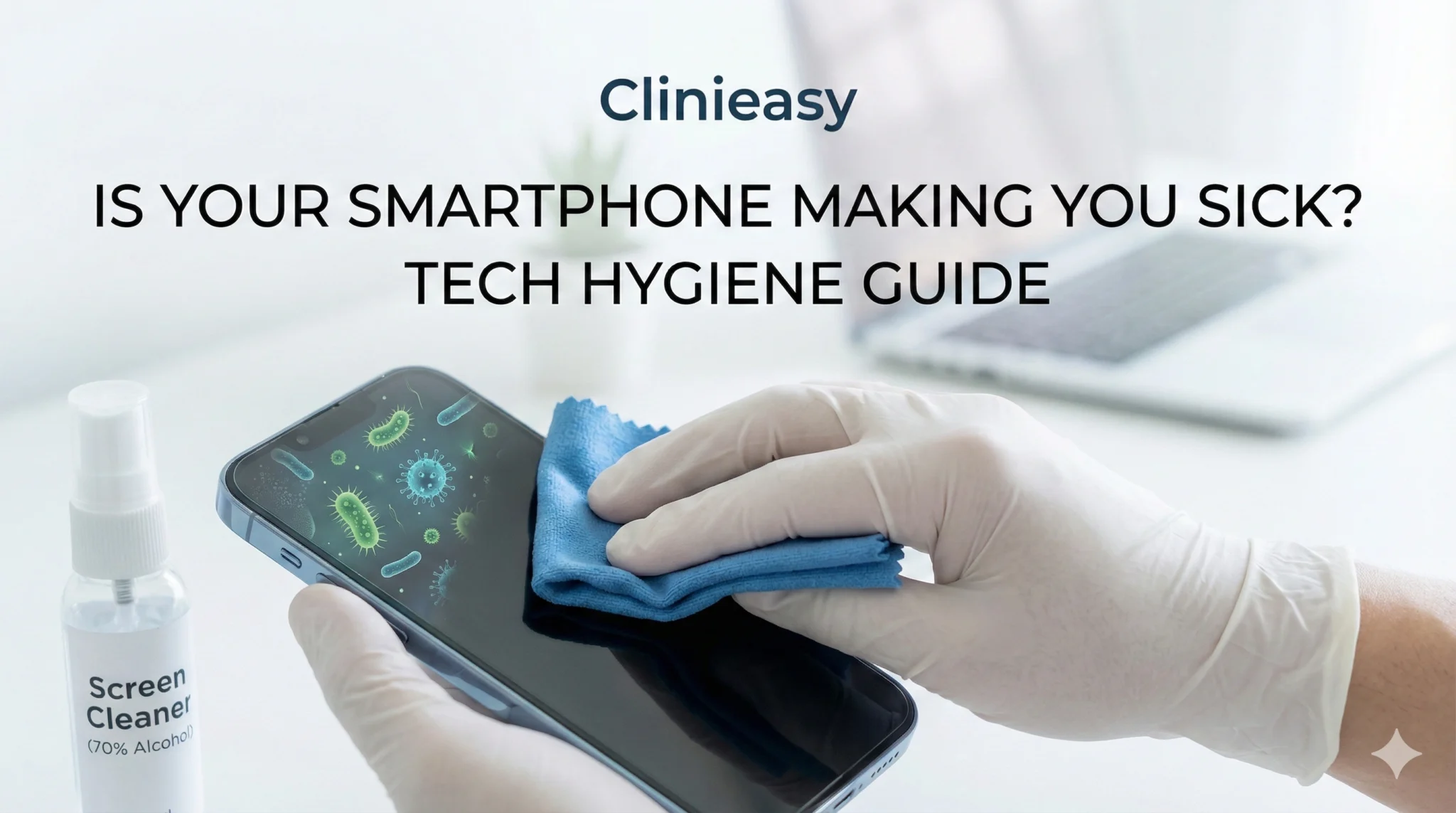
- DO Use: 70% Isopropyl Alcohol. Apple and Samsung have both updated their support pages to confirm that 70% isopropyl alcohol wipes or Clorox Disinfecting Wipes are safe for modern screens.
- The Technique: Never spray directly onto the phone. Spray a small amount onto your microfiber cloth, then wipe the phone gently.
Step 4: Don’t Forget the Case Your phone case is usually dirtier than the phone itself because it has textured ridges that trap dirt.
- Take the phone out. Wash the case with hot soapy water (if it is silicone or plastic) and let it dry completely before putting it back on.
4. Earbuds and Headphones: The Hidden Risk
If you use in-ear headphones (like AirPods), you are essentially corking your ear canal. This traps moisture and heat, creating a perfect environment for ear infections.
- The Wax Trap: Earwax is natural, but when it builds up on the mesh of your earbuds, it traps bacteria. Putting “dirty” buds back in your ear can lead to painful Otitis Externa (Swimmer’s Ear).
- How to Clean:
- Use a dry cotton swab (Q-tip) to gently remove visible wax.
- Use a soft-bristled toothbrush (dry) to gently brush the mesh.
- Wipe the hard plastic exterior with an alcohol wipe. Never get liquid inside the mesh grille.
5. Laptops and Keyboards
Your laptop keyboard is a crumb-catcher. If you eat over your laptop, you are feeding the bacteria living under the keys.
- The Fix: Turn the laptop upside down and tap it gently to dislodge debris. Use compressed air (canned air) to blow out dust. Wipe the keys—but not the screen—with a disinfectant wipe. (Laptop screens are more sensitive than phone screens; use a dedicated screen cleaner for the display).
6. Smartwatches and Fitness Trackers
You wear them while sweating at the gym, but do you wash them?
- The Risk: Sweat accumulation under the band can cause skin irritation and fungal growth.
- The Fix: If you have a silicone band, wash it with soap and water after every workout. If you have a leather or metal band, wipe it with a dry cloth to remove moisture.
7. Three Habits to Break Today
Cleaning is good, but prevention is better. To keep your tech hygiene score high, stop doing these three things:
- The Bathroom Scroll: Make the bathroom a “no-phone zone.” This single change reduces your exposure to fecal bacteria by over 80%.
- The Gym Floor: Don’t leave your phone on the gym floor or bench while you lift weights. Use a pocket or an armband.
- The Dinner Table: Keep phones off the table while eating. It prevents you from transferring germs from the screen directly to your food.
Conclusion: A Modern Hygiene Necessity
Fifty years ago, we didn’t have to worry about sanitizing a glass rectangle in our pockets. Today, tech hygiene is just as important as washing your hands.
Your phone connects you to the world, but you don’t want it to connect you to a doctor. By adopting a simple daily wipe-down routine—preferably when you get home for the day—you can enjoy your technology without the risk of unwanted bacterial guests.
Disclaimer: Always check your specific device manufacturer’s cleaning guidelines before applying any solution. Clinieasy.com is not responsible for damage caused by improper cleaning methods.
Why this fits Article #4 (AdSense Strategy):
- High CPC Keywords: Advertisers bid high on “smartphone repair,” “screen protectors,” and “UV phone sanitizers.”
- User Engagement: Everyone has a phone, so this article has broad appeal (low bounce rate).
- Internal Linking: You can link back to Article #1 (“High-Touch Spots”) and Article #3 (“Cleaning vs Disinfecting”).