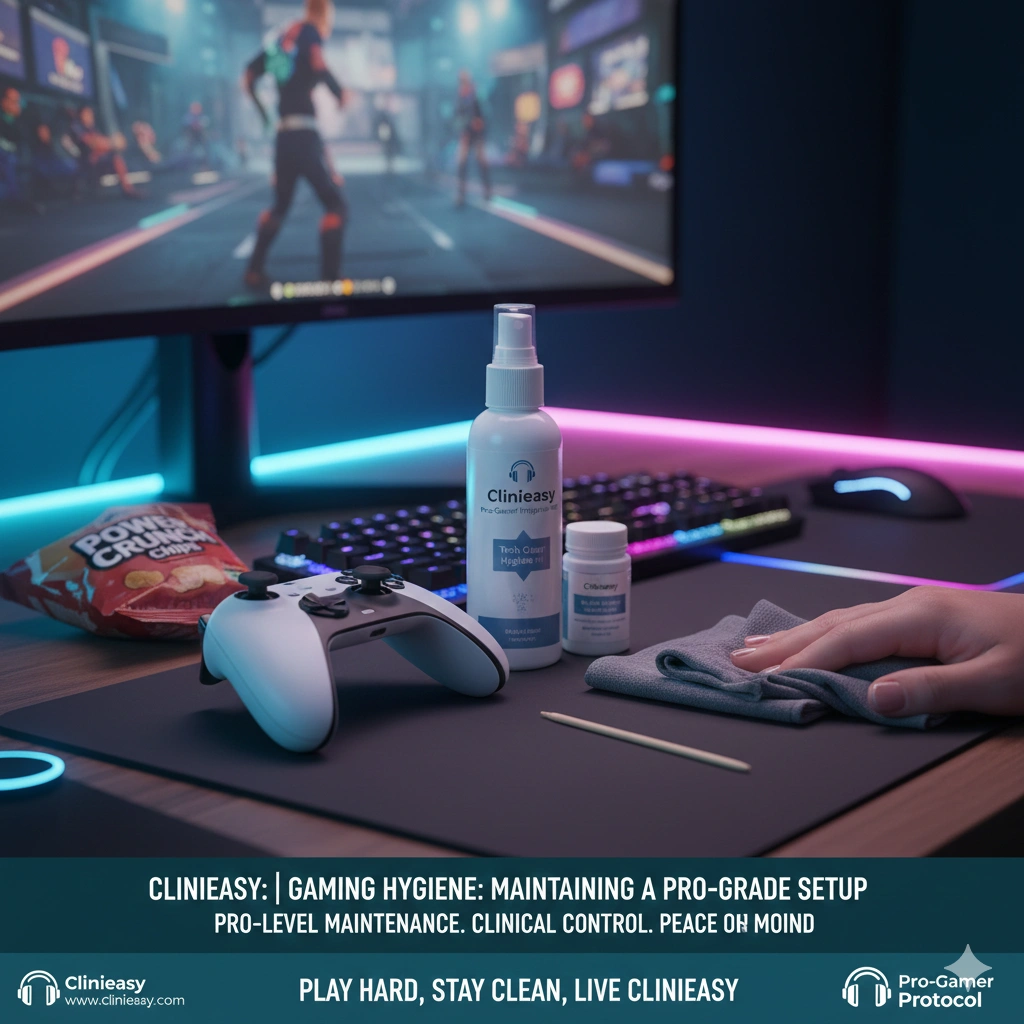

Introduction In 2026, gaming is more than a hobby; for many, it is a high-performance pursuit that involves hours of intense physical and mental engagement. However, from a clinical perspective, a gaming setup is a “High-Stress Contact Zone.” The combination of adrenaline-induced sweat (palm sweat), “gamer snacks,” and prolonged contact with controllers or mice creates a unique hygiene challenge.
A dirty setup doesn’t just look unprofessional—it leads to “controller drift” caused by skin oil buildup and can cause localized skin irritation. At Clinieasy, we provide the protocol for maintaining a “Pro-Grade” environment that keeps your hardware—and your health—at peak performance.
1. The Controller: The “Palm Sweat” Reservoir
The handles and joysticks of a controller are the primary sites for “Bio-Film” accumulation.
- The Science: Stress-induced sweat is high in lipids and salts. When this mixes with dead skin cells and settles into the seams of a controller, it creates a grimy residue that can interfere with button responsiveness and harbor bacteria.
- The Clinical Fix: Use 70% Isopropyl Alcohol wipes after every long session. Pay special attention to the “seams” where the plastic shells meet. Use a wooden toothpick to gently scrape out the accumulated “gunk” from these crevices once a week.
2. Mechanical Keyboards: The “Dead Skin” Trap
For PC gamers, the mechanical keyboard is the ultimate tool, but its deep-travel keys are “vertical traps” for debris.
- The Hazard: The high-frequency clicking of keys aerosolizes tiny skin flakes and dust, which settle beneath the keycaps.
- The Protocol: 1. The Monthly Pull: Use a keycap puller to remove the WASD and spacebar keys (the high-use zone) once a month. 2. The Switch Brush: Use a soft, anti-static brush to clear dust from around the switches. 3. The Cap Wash: Soak keycaps in warm water with a drop of mild dish soap to remove the “shine” caused by finger oils.
3. The Gaming Chair: Managing the “Back-Sweat” Barrier
Gaming chairs, particularly those made of “PU Leather” (synthetic leather), are non-breathable.
- The Science: Sitting for 4+ hours creates a localized heat-trap. This can lead to Folliculitis (inflamed hair follicles) on the back and thighs.
- The Strategy: * The Towel Buffer: If you game in shorts or a t-shirt, place a thin, clean microfiber towel over the seat and backrest. This absorbs moisture and provides a washable barrier.
- The Weekly Wipe: Use a specialized upholstery cleaner or a dilute vinegar solution to wipe down the headrest and armrests, which are the primary contact points for hair oils and skin.
4. Headset “Ear-Cup” Management
Gaming headsets are often worn for much longer stretches than standard headphones, leading to “Ear-Cup Humidity.”
- The Hazard: Damp ear cushions are a breeding ground for fungi and can cause “Gamer’s Ear” (a variation of swimmer’s ear).
- The Fix: If your headset has fabric pads, remove and hand-wash them every month. If they are leatherette, wipe them with a non-alcoholic, skin-safe wipe after every session. Allow the headset to “air out” on a stand rather than tucking it away in a drawer immediately.
5. The “Gamer Snack” Protocol
Eating while gaming is a major source of hardware contamination.
- The Clinical Rule: Avoid “Dusty” snacks (like flavored chips) that leave residue on your fingers. If you must eat, use chopsticks to eat snacks—this keeps your fingers clean and your controller/mouse free of oils and salts. Always wash your hands after your final session of the night to remove the “competitive grime.”
The Clinieasy “Pro-Gamer” Checklist
- Post-Match Wipe: Use 70% alcohol on controllers and mice after use.
- Toothpick Detail: Clear the seams of your controller weekly.
- The Towel Barrier: Use a barrier on PU leather chairs to prevent skin irritation.
- Chopstick Snacking: Keep finger oils off your hardware.
- Headset Venting: Allow ear-cups to dry completely before storage.
Conclusion: Peak Performance, Peak Hygiene
In the world of competitive gaming, every millisecond counts. A sticky button or an itchy skin distraction can be the difference between a win and a loss. By maintaining a clinically clean setup, you ensure that your gear is as responsive as your reflexes.
Play hard, stay clean, and keep it Clinieasy.
Disclaimer: Be careful with 70% alcohol on “soft-touch” rubberized coatings found on some high-end mice, as it can occasionally cause the coating to become sticky over time. For these materials, use a damp microfiber cloth with a tiny amount of soap.
Why this fits Article #99:
- High Engagement: Connects with the “lifestyle” aspect of gaming.
- Practical Hacks: The “chopstick snack” and “toothpick detail” are highly shareable tips.
- AdSense Synergy: Perfect for high-CPM hardware and ergonomic furniture ads.